









Skip to content

The family organization app that lives on the TV you already own

FamilyOrganization.app is the family organizer on the TV you already own, with an ADHD-friendly visual timeline for each person (Roku now; Apple TV, Fire TV and Google TV coming). A red NOW line, get-ready time and a leave-by countdown keep everyone moving, and kids check off chores with the remote. No new screen to buy.

104,703 views,20,178 engagements,435 comments,beta testers in 13 countries

Facebook Insights, Aug 29 – Sep 25, 2026 (views, engagements) · comments counted on the posts · countries from beta sign-ups

  • RokuIn beta
  • iPhoneIn beta

Apple TV, Fire TV and Google TV: coming soon.

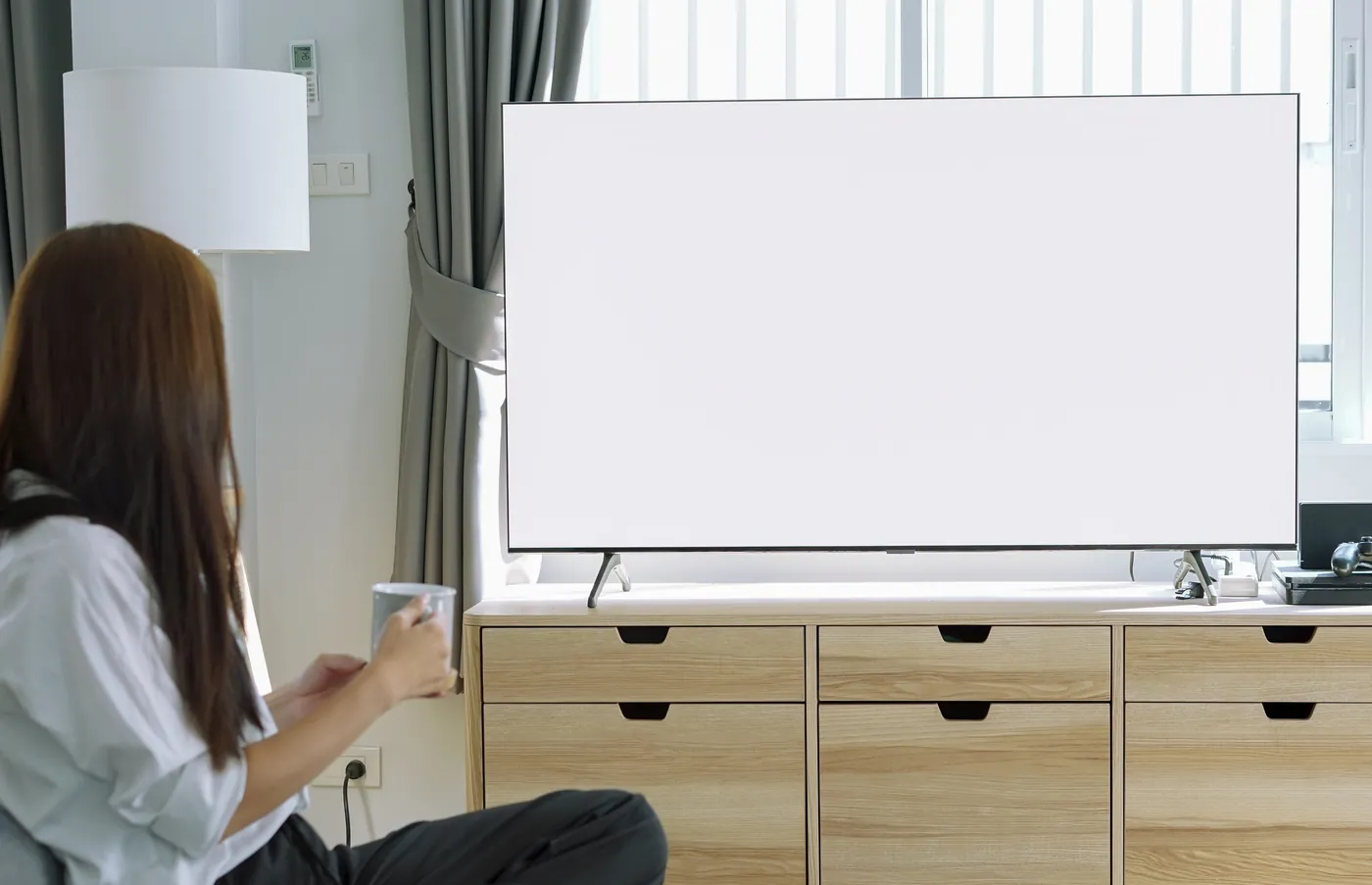
Someone on the sofa with a mug, looking at the family's day on the big living-room TV.
Try it: the TV works like the real one. Choose a person to see their day, choose them again to open their task list, and switch between Upcoming and All. Demo: a red line marks now; Zoe's green GET READY block, an hour long, is still ahead, followed by TRAVEL TIME and soccer practice at 4:00 PM; her card counts down GET READY IN 22:01 and the banner reads LEAVE IN 1:22:01. Then Zoe opens her task list with the remote and checks off Pack soccer bag, her last chore, and her progress ring turns from yellow to green.

From families

The post that went viral, and what families said

Families in ADHD and parenting Facebook groups saw a photo of the TV timeline and told us, in their own words, what their days need.

The response in numbers

views
104,703
engagements
20,178
comments, including replies
~435
beta sign-ups
172
countries
13

Views and engagements: Facebook Insights, Aug 29 – Sep 25, 2026. Comments: about 435, within a week of the 12 September 2026 posts. Beta sign-ups: as of September 28, 2026. Countries: as of October 2, 2026.

Real public Facebook comments on our pre-launch posts, September 2026. They're reactions to a photo of the TV timeline, not reviews of the app.

  • Ali A.

    This is awesome! I’d be interested in both testing and the business development side of things! I run my own marketing agency and just developed my own CRM for the specific niche my agency works with. Branding, UX/UI design, marketing and also investor pitching (if that’s something you’re considering) I can help with. I’d defo love to get involved with this, we have a skylight and this is 1000x better!

    Facebook · Sep 2026
  • Tiffany H.

    I think we’re your family! I’m a newborn photographer, homeschool mom of 4 with with an insane extracurricular calendar.

    Facebook · Sep 2026
  • Shelly C.

    Very interested in this!! Trying ti integrate digital order to our lives vs our paper lists and wall written calendars! Those Alexa push reminders sound like heaven!

    Facebook · Sep 2026
  • Mandy M.

    Ohhh that looks interesting. We have a skylight and it isn’t working for us that well. We desperately need to have a system in place that would help us all.

    Facebook · Sep 2026
  • Kat A.

    Omg I’m obsessed with this. I need this. Bonus if they compete their tasks and then screen time unlocks. Till then, tv stays on this mode (ur pic)

    Facebook · Sep 2026
  • Stacy P.

    This looks a- maze-ingggg!! I’d be interested in testing it too, is there a screen you can see everyone’s schedules together so you can see if there’s any over laps or where there would be space for appointments etc

    Facebook · Sep 2026
  • Gavin B.

    What a great idea. I have to put everything into a shared google calendar that all family has access to. “If it’s not in the calendar, it doesn’t exist”! Pain to keep updated but without it my son and I would be lost

    Facebook · Sep 2026
  • Louisa D.

    This looks super useful. Do you have any other screens on it or is it a calendar view that evolves?

    Facebook · Sep 2026
  • Anja S.

    This is absolutely brilliant! We recently got echo show 21 to have on the kitchen wall. I have to use silk browser with google calendar, but it is a lot of work. Enlisting help of AI is a brilliant idea, dunno why I use chatgpt to make me study plans, but I never thought of the calendar help. Would love to help if it is possible to run it over a browser as well

    Facebook · Sep 2026
  • Carly P.

    I love the look of this. I’ve been creating a family calendar on the black board using a laminator, printer and Velcro

    Facebook · Sep 2026
  • Kat W.

    Would def be interested in testing but I don’t have Roku, I use google tv. I wonder if I could help convert it to a Google tv app for you, if you’re interested. We use Alexa, Claude and chatgpt so the other integrations would def work well.

    Facebook · Sep 2026
  • Carolann G.

    I'm very interested,if I don't write it down it's forgotten.this would be better for the whole family as we all ask same questions daily and never remember.

    Facebook · Sep 2026
  • This_s_is_bananas

    We have a skylight and love it - but I saw that lifetime countdown on the tv and INSTANTLY wanted it… forgot we don’t have a tv

    Facebook · Sep 2026
  • Ashley N.

    Interesting concept. I'd be curious to know the safety behind the app and sharing information.

    Facebook · Sep 2026
  • Anastasiia S.

    That is genius to use tv for it. I have fire tv, so I would love to test and my husband and I can participate in upgrading

    Facebook · Sep 2026
  • Kate K.

    That is so cool and would definitely be a huge help in our house! I would be happy to test! We currently have a calendly and it just doesn’t work well for me- it doesn’t sync up the way I want it to from my calendar.

    Facebook · Sep 2026
  • Massimo N.

    I'm more than happy to check it out and test, if I find any improvements I'd propose a tweak. I'm using myself gpt plus flows that reminds most of the administrative tasks we all forget about connected with calendar and database so it never makes mistakes based on the linguistic model. It's a hobby with potential to save on execution badwidth. I use chromatic hierarchy to immediately and visually know what's urgent not urgent less and optional etc. Each person has their own needs but if I'd describe the perfect app: Privacy first ( until we run ai in our devices, it has to have strong privacy), personalization, access to draft and send communication, deadlines reminders, daily reminders of micro goals to meet the dead line long term providing immediate reward ( I built a fitness flow with gpt with visible progress bars for nutrition and training and it gives that immediate reward when item is completed. It's a skill to build a system around the bottleneck of working memory, executive and cognitive bandwidth. ADHD is a powerful engine with a ridiculously small tank. I'd say make it fun and nice and you'll be successful. The world is full of apps that nail it on paper and data, but they're not a pleasure to use. All the best

    Facebook · Sep 2026
  • EngagingKiwi6335

    If you can integrate it with Alexa to scream at me, I'll give it a go

    Facebook · Sep 2026
  • Sarah H.

    I don’t really know what half of that means, but I think it sounds like something we would benefit from!!

    Facebook · Sep 2026
  • Hailey H.

    Yes please! Would love to test and be involved financially too

    Facebook · Sep 2026
  • Kirsten R.

    I’m currently using Structured which also connects to my Google Calendar and I have the app on my larger iPad and my phone. This does sound like it goes a lot more though! I’d be interested in having a look? Have you decided on pricing yet? My Structured app is pretty cheap but the annual subscription does end soon.

    Facebook · Sep 2026
  • Chloe M.

    Interested in testing! In UK not sure if any issues with that?

    Facebook · Sep 2026
  • Lisa S.

    This is cool so I dont have to buy the skylight and can add to my tv

    Facebook · Sep 2026
  • Becca D.

    Omg this has been on my list of things I wish existed!

    Facebook · Sep 2026
Read all comments

Currently in beta

Where are the beta testers?

Beta testers have signed up from 13 countries, from the United States and the United Kingdom to Pakistan and Singapore.

These are the countries beta testers signed up from, September 2026, not where the comments came from.

  • RokuIn beta
  • iPhoneIn beta

Americas

  • United States
  • Canada

Europe

  • United Kingdom
  • Netherlands
  • Ireland
  • Romania
  • Spain

Asia & Pacific

  • Australia
  • New Zealand
  • Pakistan
  • Singapore

Africa

  • South Africa

Screen-time friendly

Designed with less screen time in mind

Kids tick things off on the TV with the remote (or on a parent's iPhone), so the family organizer runs without anyone needing a device of their own.

  • The TV you own
  • The remote
  • Voice, in beta

How it works

How does it work on your TV?

It puts each person's day on the TV as a timeline, counts down to leaving, and lets kids tick off chores with the remote. Here is how it works, in eight steps.

  1. A TV on the living-room wall above a wooden mantel, showing FamilyOrganization.app.

    01

    See the whole day on the TV

    Each person's day is drawn to scale as a timeline, with a red NOW line that moves as the day goes. Nobody has to read a clock to know what's next.

    The per-person visual timeline

    “This is amazing! It’s made for the way I think.”

    Anonymous · Facebook · Sep 2026
  2. A TV on the living-room wall above a wooden mantel, showing FamilyOrganization.app.

    02

    Know when to leave

    GET READY is the prep time before an event, sized to each person, and TRAVEL TIME is the drive. Then the banner counts down: LEAVE IN 7 MIN. With a home address set, drive times follow live traffic.

    The leave-by countdown on the TV

    “I need count downs, I have terrible time blindness.”

    Ashley M. · Facebook · Sep 2026
  3. A TV on the living-room wall above a wooden mantel, showing FamilyOrganization.app.

    03

    Everyone gets their own timeline

    Add everyone with a photo, a color and their own get-ready time; kids don't need accounts. Put it on every TV you pair, including a kid's bedroom TV, and pick whose day each one shows with the remote.

    “Would be so helpful for my family with four kids”

    Wendy Z. · Facebook · Sep 2026
  4. A TV on the living-room wall above a wooden mantel, showing FamilyOrganization.app.

    04

    Kids check off chores with the remote

    Routines and chores sit on the TV until they're done, and kids tick them off with the remote. Each person's card shows how many are done. No tablet, no phone, no nagging.

    Chores kids check off with the remote

    “…i love that the task just sits on the tv instead of repeatedly asking them to do something”

    LittleMagic R. · Facebook · Sep 2026
  5. A TV on the living-room wall above a wooden mantel, showing FamilyOrganization.app.

    05

    See your meals

    See what's for dinner without anyone asking. Plan breakfast, lunch and dinner for the week in the iPhone app, and the TV shows this week's menu or today's, with the photos you saved. In the hour before a meal it brings the menu up on its own. The meal planner is in beta on iPhone and Roku.

    The meal planner and mealtime menu

    “this would be better for the whole family as we all ask same questions daily and never remember.”

    Carolann G. · Facebook · Sep 2026
  6. 3:22
    MONDAY, AUG 3
    Today
    FamilyElenaMarcusZoeTheo
    LEAVE IN 7 MIN
    Soccer practice · 4:00 PM
    Zoe · leave by 3:30 PM · 30 min drive
    Zoe’s to-do2/4 done
    CurrentDoneTaskRoutine
    After school
    3:00 PM
    2/4
    Unpack lunchbox
    Feed the cat
    Pack soccer bag
    Fill water bottle
    Try itHover to see how the iPhone app works

    06

    Plan from your phone

    The iPhone app, in beta, is where you set up the family, plan the week, and pair and manage the TVs. It copies the calendars already on your iPhone to the TV, one way. Nobody else needs the app: kids don't need a phone or an account.

    “That I can manage from my phone. Since I feel like I manage everyone”

    Jen C. · Facebook · Sep 2026
  7. 3:18

    What’s on for the kids today?

    Nothing until Zoe’s soccer at 4:00. Theo has piano at 4:45, and it’s taco night at 6:00.

    For Theo, add: get the Play-Doh off the kitchen counter and pick up his shoes by the back door. For Elena, add: get her hairbrush from the piano.

    3 steps

    Added for today. They’re on the TV now:

    Theo

    1. Get the Play-Doh off the kitchen counter
    2. Pick up shoes by the back door

    Elena

    1. Get hairbrush from the piano
    Reply to Claude

    07

    Claude or ChatGPT, only if you want

    AI isn't involved in FamilyOrganization.app unless you'd like it to be. Our connector for Claude and ChatGPT is working, in beta with a small group of families: a household admin connects one and plans in plain words, like “For Theo, add: get the Play-Doh off the kitchen counter,” and it shows up on the TV.

    In beta

    The optional Claude and ChatGPT connector

    “Enlisting help of AI is a brilliant idea…”

    Anja S. · Facebook · Sep 2026
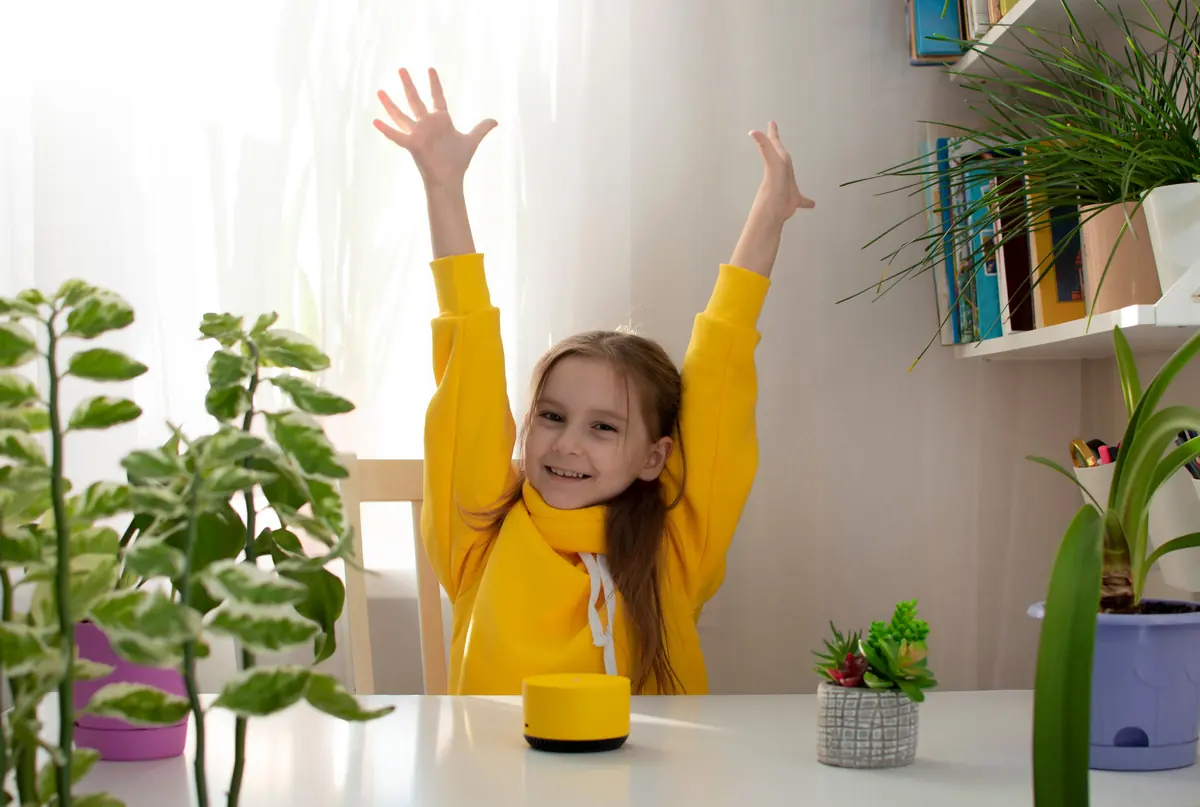
  8. A girl at a table throws her arms up in celebration beside a small smart speaker.Alexa skill · in beta
    A sample exchange with the Alexa skill (in beta): Zoe: “Alexa, what’s next?” Alexa: “Your bedtime routine starts at 7:30.” Zoe: “Alexa, what’s on my list?” Alexa: “Two left: pack your soccer bag and brush your teeth.” Zoe: “Alexa, check off pack soccer bag.” Alexa: “Done! One left: brush your teeth.”

    08

    An Alexa skill, in beta

    The family organizer is meant to run without personal devices. Our Alexa skill is working, in beta with a small group of families: ask it what's next or what's on your list, and check off a chore by voice, with no phone or tablet in your hands. It isn't in the Alexa Skills Store yet.

    In beta

    “If you can integrate it with Alexa to scream at me, I'll give it a go”

    EngagingKiwi6335 · Facebook · Sep 2026
A TV on the living-room wall above a wooden mantel, showing FamilyOrganization.app.
Elena's day, drawn to scale: study group, picking up Theo, then family dinner

Definition

What is FamilyOrganization.app?

FamilyOrganization.app is the family organizer on the TV you already own, with an ADHD-friendly visual timeline for each person (Roku now; Apple TV, Fire TV and Google TV coming).

Each family member gets a timeline of the day drawn to scale, with a red line marking the current time: the NOW line. Before each appointment the TV shows a GET READY block sized to that person's own get-ready time, then a TRAVEL TIME block and a LEAVE IN countdown, so everyone can see when it's time to go without anyone having to announce it.

Kids check off their chores with the TV remote, so they don't need a phone or tablet. Parents set up the family and plan the week in the iPhone app.

As of October 2026 it is in beta on iPhone and Roku, and an Alexa skill and a Claude and ChatGPT connector are in beta with a small group of families. Android, Fire TV, Google TV and Apple TV apps are coming soon. Pricing will be announced at launch, and there is no screen to buy.

Updated · See every feature and its status.

Compare

Do you need to buy a screen?

No. Hearth and Skylight sell dedicated screens from $149.99 to $699; FamilyOrganization.app runs on the TV you already own.

Hardware vs no hardware: FamilyOrganization.app, Hearth Display and Skylight Calendar (competitor facts checked Sep 26, 2026)
FeatureFamilyOrganization.appRuns on your TVHearth Display27-inch screenSkylight Calendar10- to 27-inch screens
Hardware you buyNone: uses the TV you own (Roku today)$699 list price1$149.99 (10-inch) to $569.99 (27-inch)4
SubscriptionPricing announced at launchFamily Membership, $5.76 to $9 a month2Calendar Plus, $79 a year5
Works on the TV you already ownYes: Roku in beta, more TVs coming soonNo TV app claimed on its site3No TV app mentioned on its site6
Red NOW line with a leave-by countdownYes, with get-ready and travel timeNot claimed on its site3Day-count countdowns only6
Kids check off tasks without a tabletYes, with the TV remoteYes, on its touchscreen3Yes, on its touchscreen6

Sources

  1. 1. Hearth Display product listing ($699.00 list) · checked Sep 26, 2026
  2. 2. Hearth Family Membership plans ($9.00 monthly to $5.76 a month on 3 years) · checked Sep 26, 2026
  3. 3. Hearth features page · checked Sep 26, 2026
  4. 4. Skylight calendar comparison (hardware prices) · checked Sep 26, 2026
  5. 5. Skylight Calendar Plus subscription · checked Sep 26, 2026
  6. 6. Skylight Calendar product page · checked Sep 26, 2026

We make FamilyOrganization.app, so read this table with that in mind. Hearth and Skylight have real strengths we don't: a touchscreen, and calendar sync that doesn't need an iPhone.

“This is cool so I dont have to buy the skylight and can add to my tv”

Lisa S. · Facebook · Sep 2026

Where it works

Which devices does it work on?

Roku and iPhone are in beta now. The Alexa skill and the Claude and ChatGPT connector are in beta too, with a small group of families. Apple TV, Fire TV, Google TV and Android apps are coming soon.

  1. Now, in beta

    Testers are using these today.

    • Roku
    • iPhone app
    • Alexa skill
    • Claude & ChatGPT connector
  2. Coming soon

    Being built now.

    • Apple TV
    • Fire TV
    • Google TV
    • Android app

Status as of . AI is not involved in our app unless you'd like it to be: the connector is optional. Points and rewards for kids are coming soon. Calendar sync copies the calendars on a parent's iPhone to the TV, one way.

Family calendar on your TV: every platform

Built in public

Who is building this?

Our family, the Ford family, is building this. We built it for our own living room, and we are building it in public.

The whole product was built and used at home before anyone outside saw it. It is our entry in Shipaton 2026 under #BuildInPublic, and every change is logged by date.

254

commits between Aug 1 and Sep 27, 2026

Three dates from the build log

  1. The first build runs on the family's living-room TV.
  2. A first build of the Claude and ChatGPT connector reads and adds to the family's plan.
  3. Work begins on the Fire TV, Google TV and Apple TV apps.

Source: the project's git history.

Questions

Questions parents ask

Short answers first; open any question for the full answer.

All frequently asked questions

What is the best rated family organizer app?

There is no single best-rated family organizer app, because ratings measure different things: phone apps are rated in app stores, and wall screens on their own websites.

Read the full answer: What is the best rated family organizer app?

When we checked on September 26, 2026, Cozi showed 4.81 stars from 399,519 US App Store ratings, FamilyWall showed 4.84 stars from 23,648 US App Store ratings, and Hearth Display showed 4.7 out of 5 from 786 reviews on its own product page. FamilyOrganization.app is in beta and has no public ratings yet. A more useful question is where your family will actually look during the day. Phone apps only help whoever opens them. Dedicated screens such as Skylight and Hearth cost $149.99 to $699 before any subscription. FamilyOrganization.app puts each person's visual timeline, a leave-by countdown and chores on the TV you already own, which suits families who need to see time rather than read it.

What is the best way to keep track of family schedules?

The best way to keep track of family schedules is one shared place everyone can see without asking, filled from the calendars you already use.

Read the full answer: What is the best way to keep track of family schedules?

Paper calendars go stale, and phone apps only help the person holding the phone. For many families, especially with ADHD or time blindness, what works is a big screen in a room people pass through, showing each person's day as a timeline. FamilyOrganization.app does this on the TV you already own. It syncs the calendars on a parent's iPhone (iCloud, or Google and Outlook accounts added to the phone) one way to the TV, color-coded by person. A red NOW line marks the current time, a GET READY block and a LEAVE IN countdown show when to go, and kids check off chores with the remote. It is in beta on Roku and iPhone, with Apple TV, Fire TV and Google TV coming soon.

What is the best family schedule app?

The best family schedule app is the one your whole family looks at, not just the parent who set it up.

Read the full answer: What is the best family schedule app?

Look for four things: every person's day in one view, time you can see rather than a list to read, a reminder to leave on time, and a way for kids to take part without their own phone. Shared phone calendars such as Cozi and FamilyWall keep parents in sync, and dedicated screens such as Skylight and Hearth add a display you buy. FamilyOrganization.app takes a third route: the schedule lives on the TV you already own, with a timeline for each person, a red NOW line, GET READY and TRAVEL TIME blocks with a LEAVE IN countdown, and chores kids tick off with the remote. Parents plan in the iPhone app. It is in beta on Roku and iPhone, and pricing will be announced at launch.

Can a smart TV be used as a digital calendar?

Yes.

Read the full answer: Can a smart TV be used as a digital calendar?

A smart TV can work as a digital family calendar if it runs an app built to stay on screen and show the day at a glance. FamilyOrganization.app does this on Roku today, in beta, with Apple TV, Fire TV and Google TV coming soon. You sign in on the TV with the remote, or pair it with a short code from the iPhone app. The TV then shows each person's timeline for the day, a red NOW line, GET READY and TRAVEL TIME blocks, and a LEAVE IN countdown before each event. Events come from the calendars on a parent's iPhone, synced one way to the TV. Kids check off their chores with the remote, so nobody needs a tablet. The beta build is made to stay on like a wall calendar, and you can add it to more than one TV, such as a kid's bedroom TV, choosing whose day each one shows.

See every family calendar on your TV option and its status.

Do I need to buy new hardware for FamilyOrganization.app?

No.

Read the full answer: Do I need to buy new hardware for FamilyOrganization.app?

FamilyOrganization.app runs on a TV you already own, starting with Roku, which is in beta. Apple TV, Fire TV and Google TV versions are coming soon, and parents set things up in the iPhone app, also in beta.

Which TVs does FamilyOrganization.app work on?

FamilyOrganization.app works on Roku today, in beta.

Read the full answer: Which TVs does FamilyOrganization.app work on?

Apple TV, Fire TV and Google TV apps are in progress and coming soon, so other TVs can't run it yet.

Can kids use FamilyOrganization.app without a phone?

Yes.

Read the full answer: Can kids use FamilyOrganization.app without a phone?

In FamilyOrganization.app, kids check off their chores on the TV with the remote, and they don't need accounts or phones. A parent adds everyone once, with a photo, a color and their own get-ready time.

Which calendars sync with FamilyOrganization.app?

The calendars already on a parent's iPhone sync to the TV with FamilyOrganization.app: iCloud, plus any Google or Outlook accounts added to the phone.

Read the full answer: Which calendars sync with FamilyOrganization.app?

Sync is one way, from the phone to the TV. Two-way sync and the Android app are not available yet.

Is my family's data private in FamilyOrganization.app?

Yes: in FamilyOrganization.app, your family's data is visible only to your household.

Read the full answer: Is my family's data private in FamilyOrganization.app?

You can delete your account from the app at any time. AI is not involved in our app unless you'd like it to be: the Claude and ChatGPT connector, in beta, is optional, and only a household admin can connect it.

Read the privacy policy for the details.

How much does FamilyOrganization.app cost?

Pricing for FamilyOrganization.app will be announced at launch.

Read the full answer: How much does FamilyOrganization.app cost?

There is no screen to buy either way, because it runs on the TV you already own.

Put your family's day on the TV tonight.

Join the beta and see your family's day on the TV you already own.

  • No new screen to buy
  • Roku and iPhone in beta
A TV on the living-room wall above a wooden mantel, showing FamilyOrganization.app.